Key Takeaways (TL;DR): A virtual ticket maker lets you create, distribute, and validate event tickets digitally. This replaces manual work and paper-based processes. The best tools include QR Code validation, branded designs, and real-time attendance tracking. Design-only tools like Canva work for small personal events but lack ticketing infrastructure. Marketplace platforms like Eventbrite charge 3–8% commission on every sale. Ticket Generator offers a credit-based model with zero commission, direct payouts, and built-in QR validation.
Event planners don’t have it easy. But that’s about to change. Imagine a virtual ticket maker that can help you create and dispatch tickets in minutes. That’s a huge load of technical work taken off your backs.
Did you know that the online event ticketing market is projected to reach $102.79 billion by 2030? Source:Mordor Intelligence
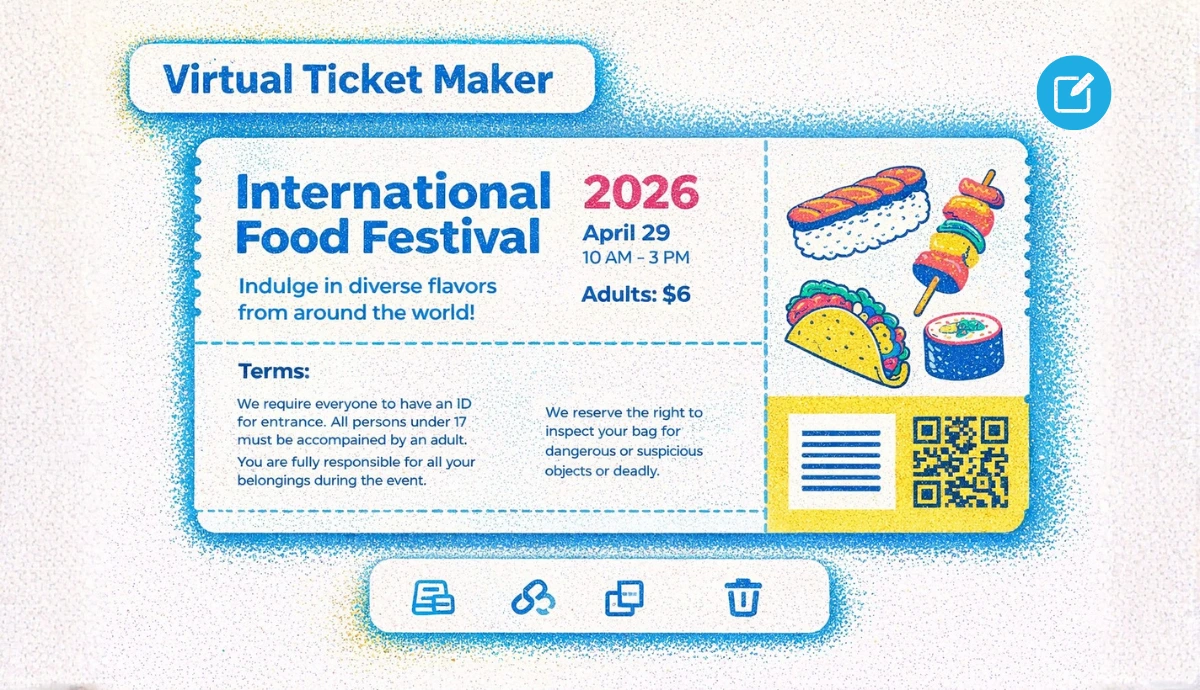
A virtual ticket maker is an online platform that lets you create, send, scan, and track event tickets, all from one dashboard, without printing a single sheet of paper.
The thing is, not all virtual ticket makers are equal. Some only design tickets. Others manage the full lifecycle (from registration to check-in analytics) while letting you keep 100% of your ticket revenue.
In this guide, I’ll break down who needs a virtual ticket maker, why it matters for your events, and how the top tools (incl. Canva, Eventbrite, and Ticket Generator) compare on pricing, features, and control. We also walk through a step-by-step setup so you can start issuing tickets today.
A. Who needs a virtual ticket maker?
Anyone running an event with controlled entry needs a virtual ticket maker. If people must show approval to get in (like a ticket, pass, or QR code), you need a simple way to create and send those passes.
A virtual ticket maker does that for you. It replaces the manual work of designing tickets, emailing them one by one, and checking them at the door.
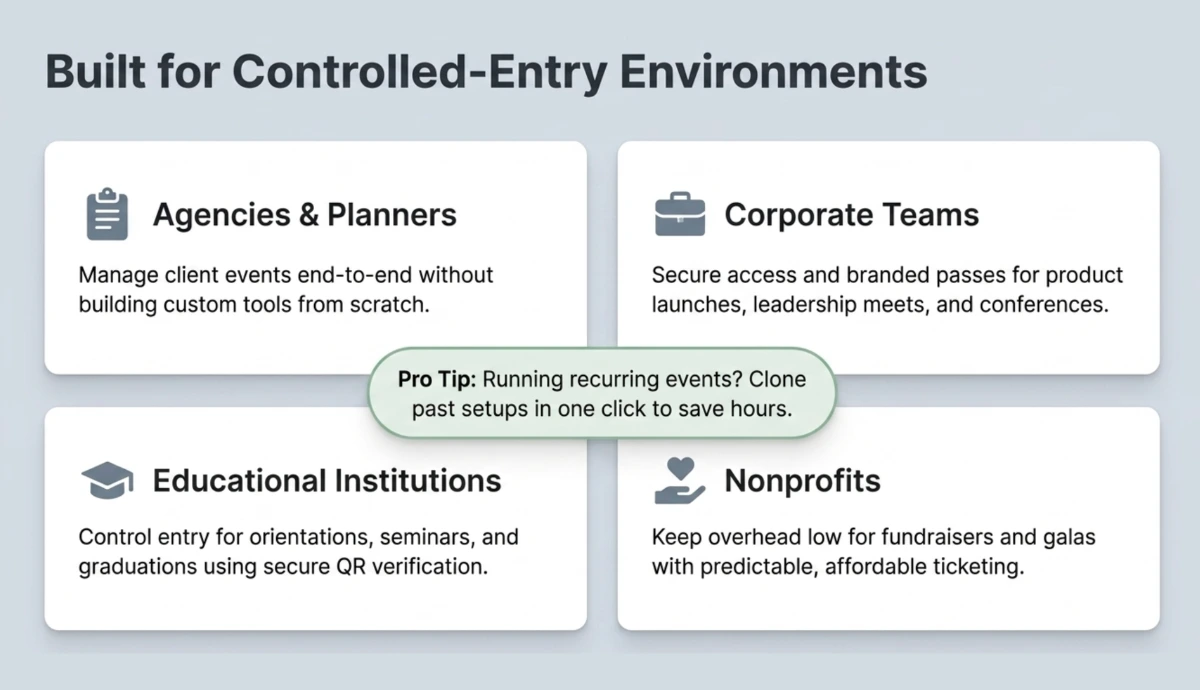
So, essentially, anyone who wants to organize an event with authorized entries needs a virtual ticket maker. This includes:
Event agencies and planners: They manage ticketing for client events without building tools from scratch. A virtual ticket maker handles ticket design, sending, and check-in in one simple flow.
Educational institutions: Schools, colleges, and universities need secure entry for orientations, seminars, and graduation ceremonies. QR-code tickets make sure only registered students and guests can enter.
Corporate teams: Product launches, leadership meets, and annual conferences need branded, professional tickets. A virtual system also helps track attendance and control access.
Nonprofit organizations: Fundraisers, charity galas, and community events need affordable ticketing. A virtual ticket maker keeps costs low and simple.
Venue operators: Stadiums, theaters, and concert halls use virtual tickets to manage capacity and stop duplicate entries.
And lastly, of course, anybody who wants to create event tickets needs a virtual ticket maker.
Pro Tip: If you run recurring events such as monthly workshops or quarterly conferences, choose a virtual ticket maker with event cloning. Ticket Generator lets you duplicate a past event setup in one click, saving hours of repeated configuration.
B. Why does every event need a virtual ticket maker?
A virtual ticket maker, such as Ticket Generator, closes the gap between planning your event and running it securely.
It replaces multiple tools (design apps, long email threads, spreadsheets, and manual guest lists) with one simple platform that handles everything from start to finish.
Did You Know? There was a 30% increase in spending on event technology in 2024 compared to the previous year
[source: Swoogo].
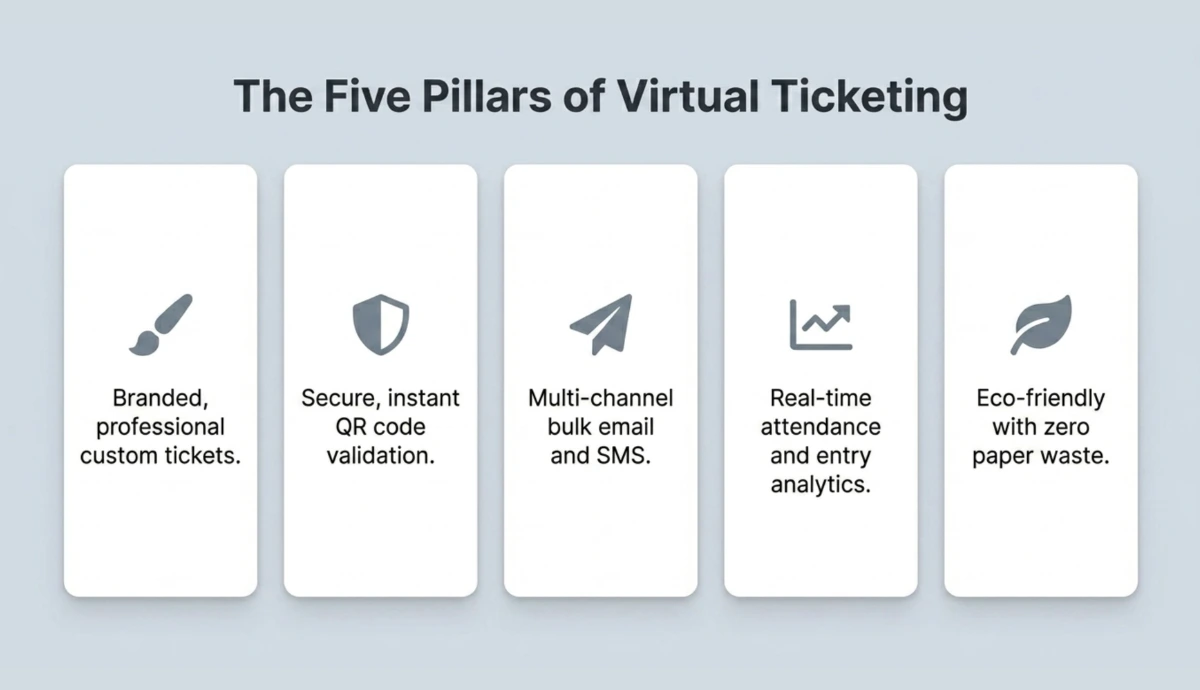
This is the perfect time to invest in an event ticket maker becuase these tools offer:
Branded, professional tickets: Add your logo, event visuals, and custom details like guest name or seat number. Your ticket becomes part of your brand, not just a pass to enter.
Secure QR validation: Every ticket gets a unique QR code. When you scan it at the door, you instantly see if it’s valid, already used, or fake.
Multi-channel distribution: Send tickets by email, SMS, or WhatsApp in bulk. No more attaching PDFs one by one.
Real-time attendance tracking: See how many people have checked in, when they arrived, and if someone tries to re-enter. After the event, use the data to plan better next time.
Less paper waste: Virtual tickets remove the need for printed passes. Printing becomes optional, not required.
Did You Know?39% of online shoppers abandon their purchase when they see extra costs at checkout
(source: Baymard Institute, 2024).
The same thing happens in ticketing. Hidden platform fees at checkout create friction. People hesitate. Some leave.
When you use a virtual ticket maker that gives you full pricing control, ideally with one clear price and no surprise add-ons, you reduce drop-offs and improve conversions.
Set Up Event Ticketing and Distribution in Minutes!
First 10 tickets free | Free account | No credit card required
C. Which virtual ticket makers are the best options?
There are three types of tools that serve the virtual ticket maker market: design tools, marketplace platforms, and dedicated ticketing platforms. The right choice depends on your event size, budget, and how much control you need over payments and branding.
1. Canva and Adobe Express (design-only tools)
Canva and Adobe Express are free graphic design tools. They offer ticket templates and drag-and-drop editing so you can create attractive ticket designs.
However, these tools only design tickets. They do not distribute them, validate QR codes, or track attendance. You would need to manually email each ticket, and there is no way to scan them at the door.
Best for: Personal events with fewer than 20 attendees where security and check-in tracking are not needed.
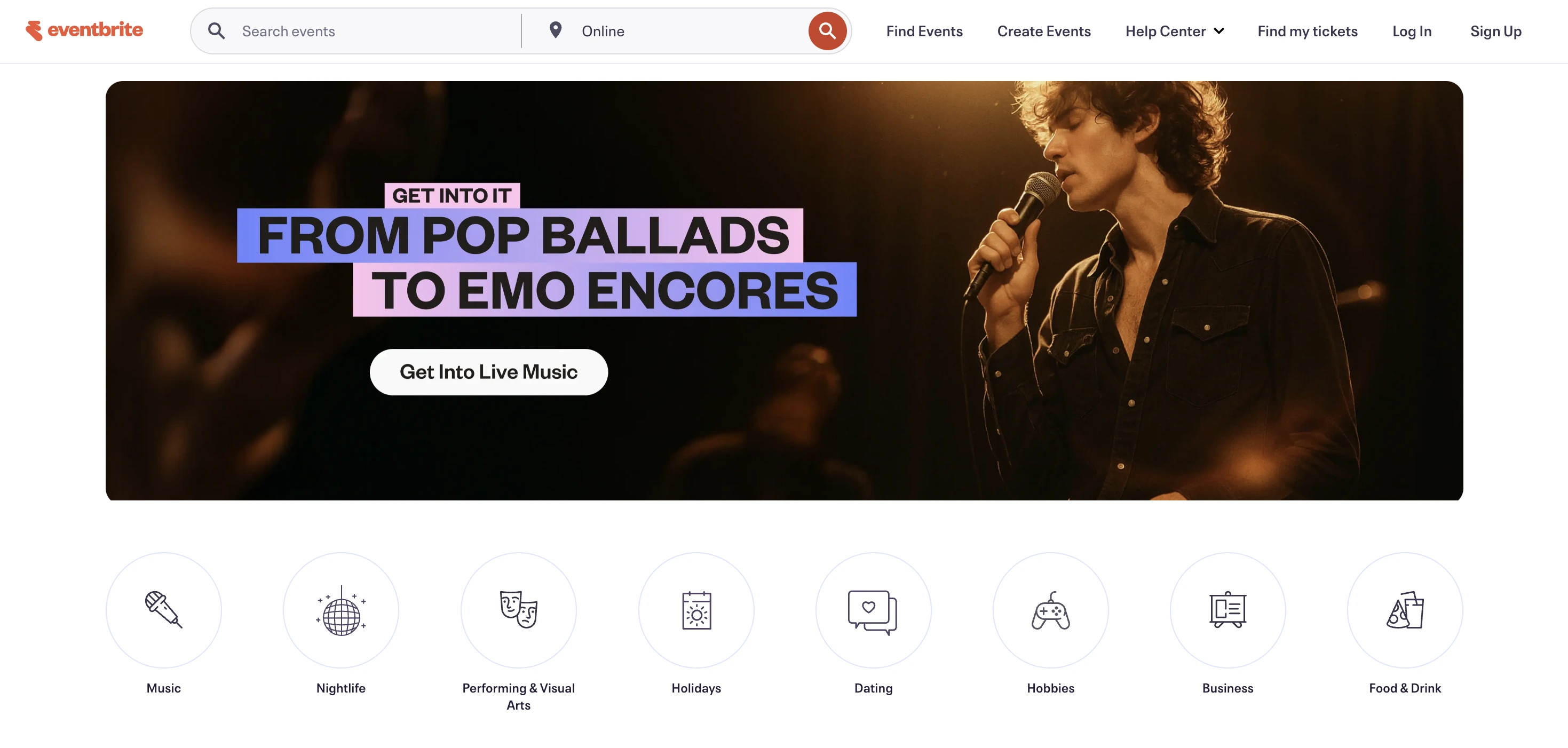
2. Eventbrite (marketplace platform)
Eventbrite combines ticketing with event discovery. If your event is public and needs exposure to new audiences, Eventbrite's marketplace helps people find it.
The trade-off is cost. Eventbrite charges 3–8% commission plus payment processing fees on every paid ticket sold.
You also choose whether to absorb those fees (Eventbrite’s ticketing fees) or pass them to attendees. Additionally, Eventbrite controls attendee data and branding, which means that your event page lives on their platform, not yours.
According to the U.S. Government Accountability Office (GAO), service fees on tickets can add 20–45% to the face value. While Eventbrite's fees are lower than arena ticketing, they still cut into revenue for budget-conscious organizers.
Additionally, you can go for their annual plans starting at USD 144 to send marketing emails using their platform.
Best for: Public-facing events needing discovery, especially free events where commission fees don't apply.
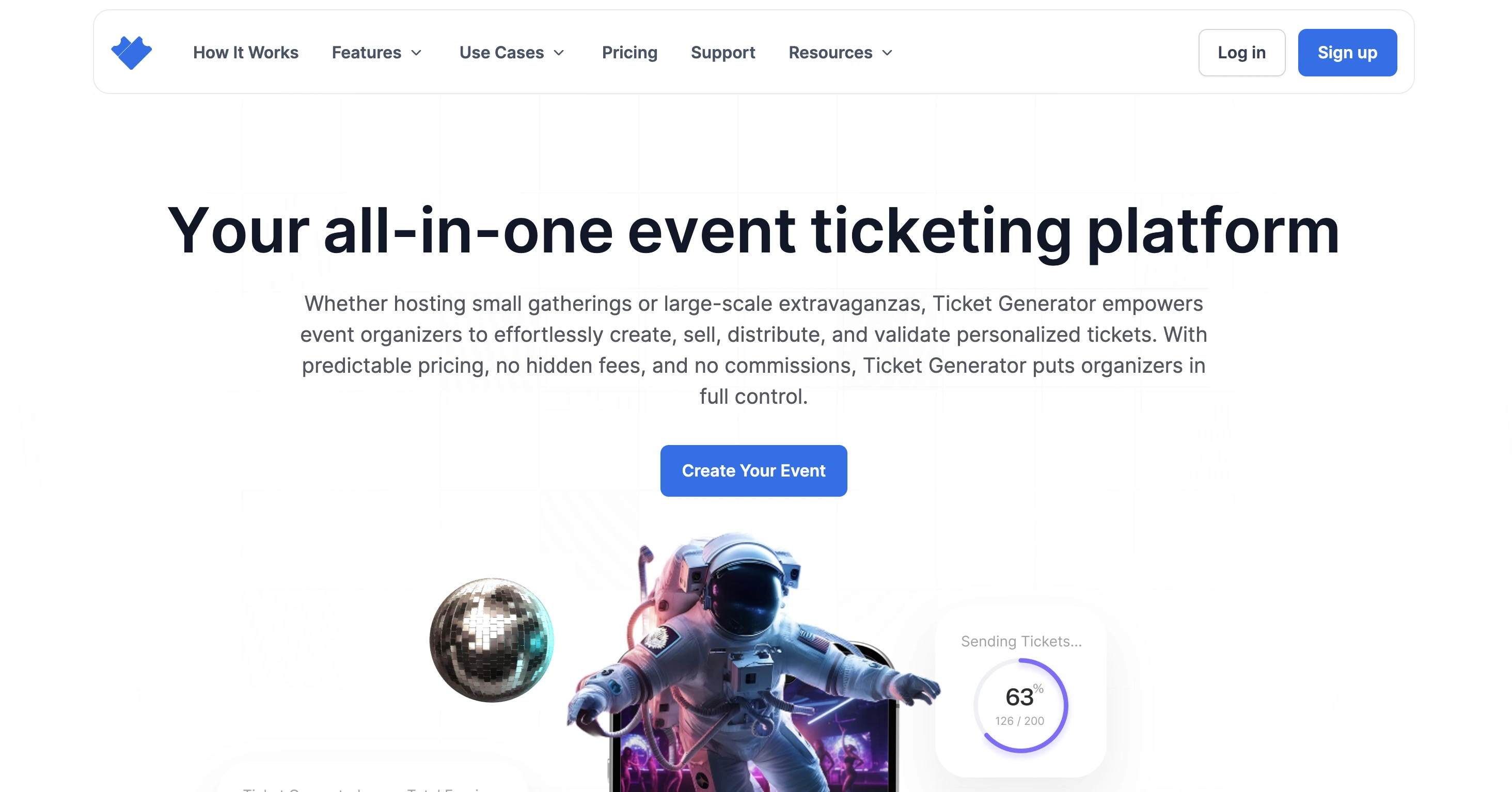
Ticket Generator is a self-service ticketing platform built for organizers who want full control over pricing, branding, and payments.
It covers the entire ticket lifecycle: create, design, distribute, scan, and analyze from one dashboard. Experienced event planners who know their way with cost-cutting always choose Ticket Generator.
Here is what sets it apart:
Zero commission on ticket sales. Payments go directly to your own Stripe, PayPal, or Razorpay account. Ticket Generator does not take a percentage on each sale.
Credit-based pricing. You pay per ticket generated, not per event, and not a monthly subscription. Credit packs range from 10 credits ($6) to 10,000 credits ($2,500), making per-ticket costs as low as $0.25 at scale. Credits never expire.
Built-in QR validation. Every ticket receives a unique QR code. Scan with the free Ticket Validator app (iOS and Android) or the web validator. The system instantly flags duplicate or expired tickets.
Full branding control. Upload custom ticket designs or use templates. Add variable fields like guest name, seat number, and section. No platform watermarks.
Bulk distribution. Send personalized tickets to up to 1,000 guests per batch via email, SMS, or WhatsApp.
Real-time analytics. Track attendance, entry times, re-entries, and registration conversion rates from your dashboard.
Did You Know?Ticket Generator has powered 1,000,000+ tickets across 30,000+ events in 100+ countries, serving organizations such as Deloitte, Verizon, Google, the Emmy Awards, and UNHCR. It is ISO 27001:2022 certified and GDPR-compliant.
Best for: Organizers running recurring, exclusive, or paid events who need secure check-ins, branded tickets, and zero commission. Ideal for agencies, corporate teams, education institutions, and nonprofits.
Top virtual ticketing tools of 2026 compared:
Feature
Canva / Adobe Express
Eventbrite
Ticket Generator
Pricing model
Free (design only)
3–8% commission + processing
Credit-based, $0.25–$0.60 per ticket
Commission on sales
N/A
Yes
Zero
Ticket design
Templates + custom
Limited templates
Templates + full custom upload
QR code validation
❌ None
✅ Built-in
✅ Built-in (mobile + web app)
Bulk distribution
❌ Manual only
✅ Email
✅ Email, SMS, WhatsApp
Attendance analytics
❌ None
✅ Basic
✅ Real-time + exportable
Payment control
N/A
Eventbrite processes
Your own Stripe / PayPal / Razorpay
Branding
Full (design only)
Platform-branded pages
Full white-label control
Best for
Small personal events
Public events needing discovery
Recurring, exclusive, or paid events
Ready to try commission-free ticketing? Start with
Ticket Generator — your first 10 tickets are free.
Set Up Event Ticketing and Distribution in Minutes!
First 10 tickets free | Free account | No credit card required
D. How do you set up ticketing with a virtual ticket maker?
Setting up your first event takes about five minutes (with the right tools, of course). For this guide, I’ll be using Ticket Generator. Here is the step-by-step process:
Step 1: Create your event
Log in to Ticket Generator and click "Create New Event." Enter your event name (under 50 characters), venue, event type (birthday, corporate, seminar, etc.), date, time, and time zone.
Step 2: Configure ticket settings
Choose whether your tickets are free or paid. Set ticket validity — "Single Use" for one-time entry or "Multiple Entry" for re-admission. Add ticket categories if needed (VIP, Standard, Early Bird, Group).
Step 3: Design your QR code ticket
Head to the Ticket Design tab inside your event. You have three options:
Use a ready-made template — Choose from a range of pre-designed templates by event type
Customize the standard design — Add your logo, background image, brand colors, and event details
Upload your own design — If you've already designed a ticket in Canva or elsewhere, upload it here, and Ticket Generator will embed the unique QR code and ticket ID automatically
Every ticket generated gets its own unique QR code and ticket ID, no two tickets are the same, which prevents duplication, forgery, and unauthorized entry.
Pro tip: If you're using a custom upload, leave a clear space on your design for the QR code. The system places it automatically.
Step 4: Set up your registration page
If you want guests to register online rather than distributing tickets manually, set up an Event Page. This takes about two minutes.
Your event page is a mobile-optimized registration page you can share publicly or privately. Organizers can customize the form to capture name, email, phone number, and payment details for paid events.
Once someone registers, the system automatically generates their ticket and sends it, no manual work required on your end.
Step 5: Send tickets to your guests
You have four ways to get tickets to attendees:
Generate and send — Enter email addresses or phone numbers. Tickets are delivered instantly via email, SMS, or WhatsApp
Generate and download — Download print-ready PDFs for physical distribution or box office sales
Share a registration link — Guests self-register and receive tickets automatically after approval
Generate via API — For developers building automated workflows at scale
If an attendee doesn't receive their ticket, you can resend it instantly at no extra charge, using their email address, phone number, or ticket ID to locate their record.
However, if you don’t want the virtual ticket maker to just send tickets virtually, then you can simply print them. Ticket Generator allows you to download printable formats of all your tickets if you don’t want to send them digitally.
Step 6: Validate at the door
On event day, open the Ticket Validator app on any smartphone. Scan each guest's QR code. The app instantly returns one of four results: Valid, Invalid, Duplicate, or Expired. Multiple staff can scan simultaneously at different entry points.
E. What should you look for when choosing a ticketing platform?
The right virtual ticket maker depends on your event's needs. Here are five factors to evaluate:
Pricing transparency — Does the platform charge commission on every sale, or use flat, predictable pricing? Commission models eat into revenue as events grow.
QR code validation — Can you scan tickets at the door? Without built-in validation, you are exposed to duplicate and counterfeit tickets.
Distribution channels — Can you send via email, SMS, and WhatsApp? Some tools only offer download-and-email.
Branding control — Can you upload custom designs, or are you stuck with platform templates?
Post-event analytics — Does the platform give real-time attendance data, or are you tracking check-ins on a clipboard?
Your next event deserves better ticketing!
A virtual ticket maker is not a nice-to-have; it is the operational backbone of any event that requires controlled entry, branded passes, or attendance tracking. The tools you choose affect your revenue, your check-in speed, and your attendees' experience.
Design tools like Canva work for personal events. Marketplace platforms like Eventbrite work when discovery matters more than margin.
But for organizers who run recurring events, need secure check-ins, and want to keep 100% of their ticket revenue, a dedicated platform like Ticket Generator offers the control and predictability that the alternatives do not.
Try Ticket Generator to create, distribute, and validate tickets for your next event — with zero commission and predictable credit-based pricing. Your event. Your revenue. Your rules.
Set Up Event Ticketing and Distribution in Minutes!
First 10 tickets free | Free account | No credit card required
A virtual ticket maker is an online tool that lets you create, customize, and distribute digital event tickets. Advanced platforms also include QR code validation and attendance tracking. They replace manual processes like designing in Word, emailing PDFs individually, and checking names off printed guest lists.
2. Do I need a virtual ticket maker for small events?
It depends on whether your event requires controlled entry. For casual gatherings with open access, a ticket maker is optional. For any event where only authorized guests should enter (even a 30-person workshop), a virtual ticket with a unique QR code ensures security and eliminates manual check-in.
3. Are virtual tickets secure against fraud?
Yes, when the platform assigns a unique QR code to each ticket. Ticket Generator, for example, gives every ticket both a unique QR code and a unique Ticket ID. The Ticket Validator app detects duplicates instantly, scanning the same ticket twice immediately flags it.
4. Can I customize virtual ticket designs?
Yes. Most virtual ticket makers offer editable templates. Ticket Generator goes further. You can upload a fully custom design, add variable fields (guest name, seat number, section), and apply your own branding with no platform watermarks. Designs are reusable across events.
5. What is the cheapest way to make event tickets?
For free tickets with no check-in needs, Canva or Adobe Express costs nothing. For paid events with QR validation and distribution, Ticket Generator's credit-based pricing starts at $0.25 per ticket with no commission on sales. Eventbrite is free for free events but charges 3–8% on paid ticket revenue.
Pooja Jena is a content marketer specializing in content for event planners. She heads a community of over 23,000 event planners on social media. When she's not writing content for Ticket Generator, you'll find her traveling to the most remote places in the world. She has an eye for new events and experiences.







.png)




.webp)

.svg)
.svg)
